Access Website
Home Page
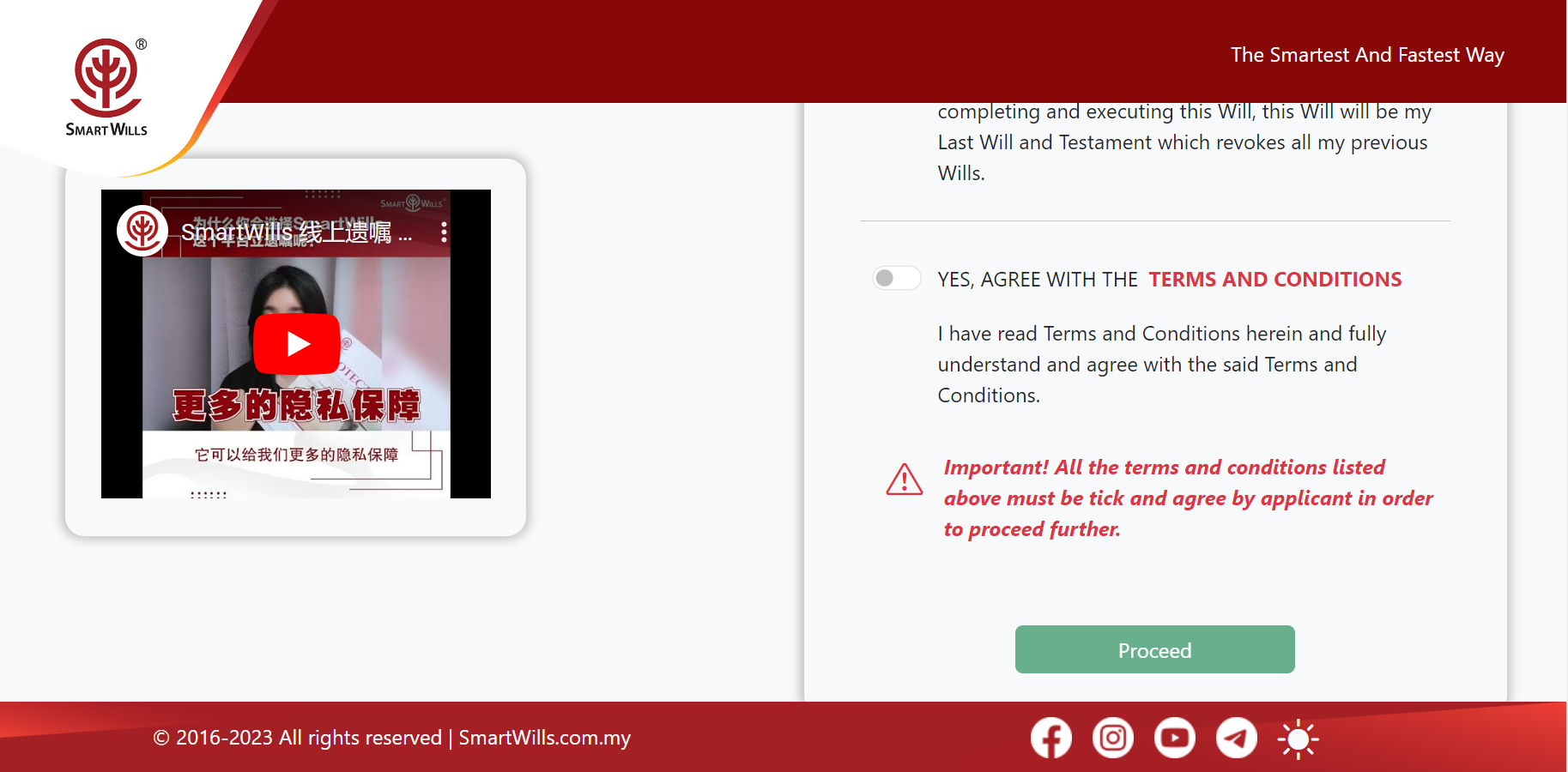
Before you begin to access our Will Writing Portal, you must agree to the Terms & Conditions and enter a valid email address to receive a 6-digit verification code from the SmartWills System. After entering the code sent to your email, you will be successfully logged in. From the homepage, select the package to which you wish to subscribe for creating your Will.
Upon Entry
Introduction Page
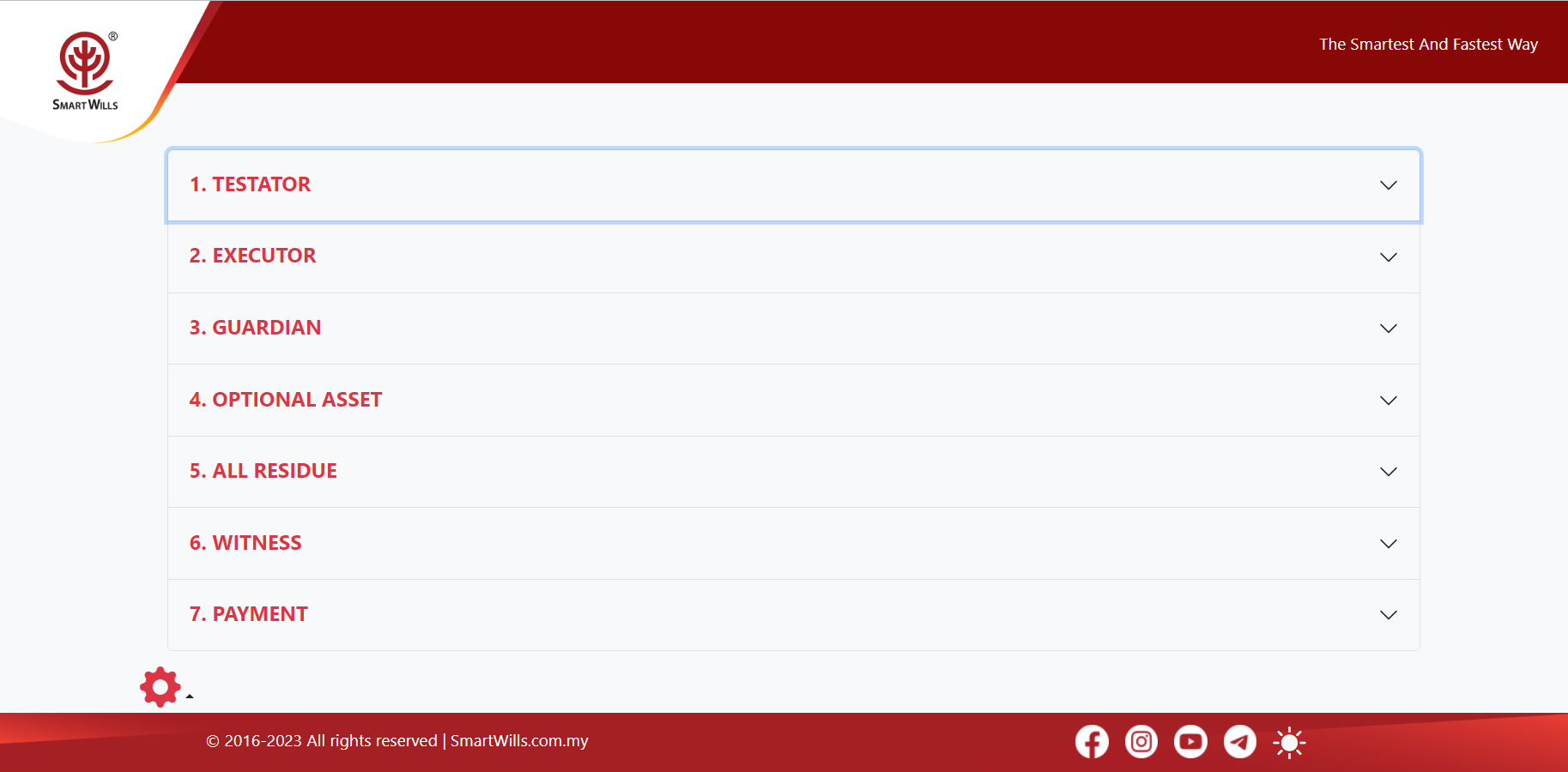
Completing your will writing requires only seven steps.
Step 1
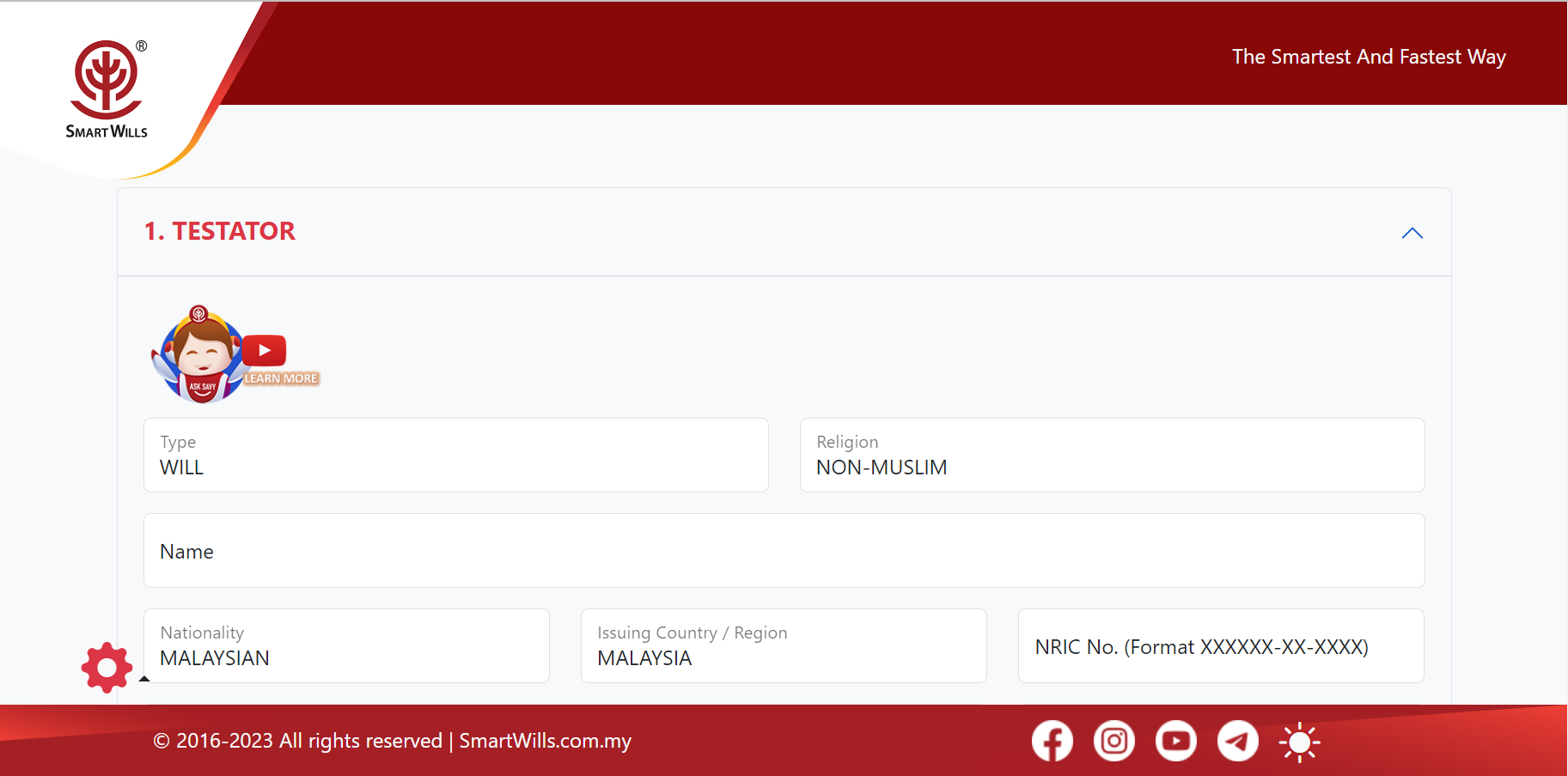
Testator Details
Enter the personal details of the Testator, which are your details (or your client’s details if you are a SmartWriter). Click on the ‘Save’ button to proceed.
Step 2
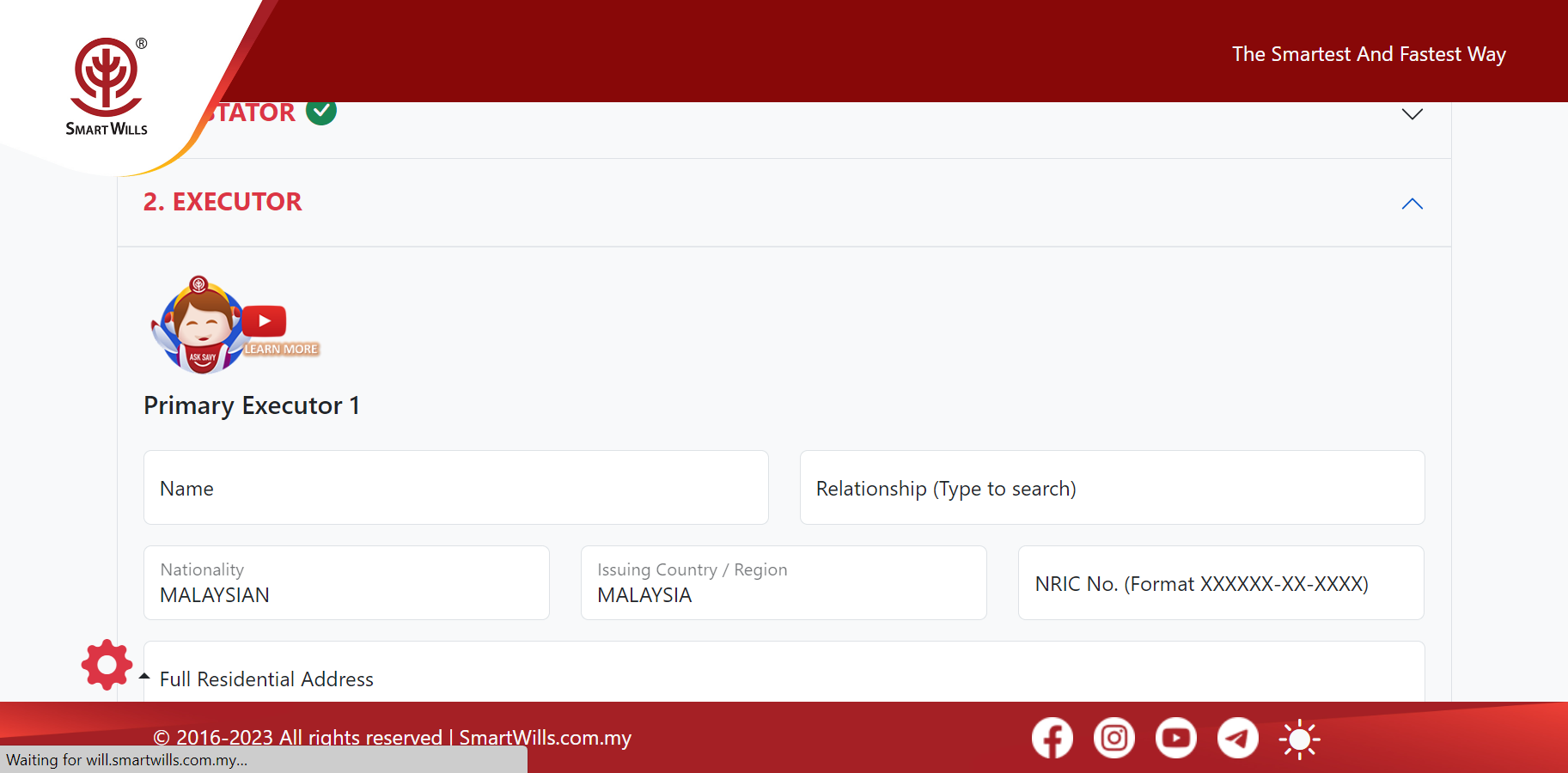
Executor Details
Enter the personal details of the Primary and Secondary Executors. Click on the ‘Save’ button to proceed.
Step 3
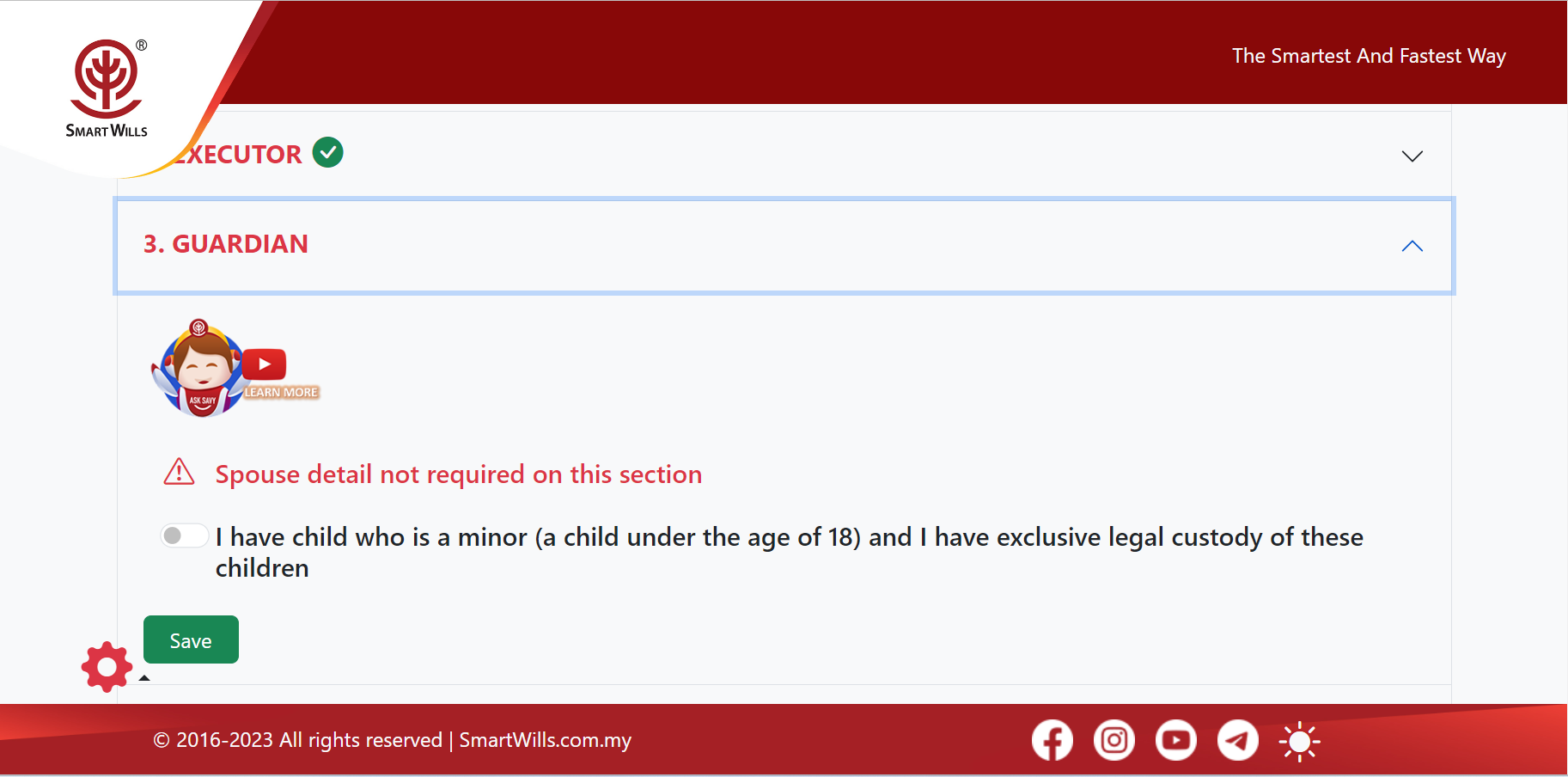
Guardian Details
If applicable, enter the personal details of the Guardian and click on the ‘Save’ button to proceed.
Step 4
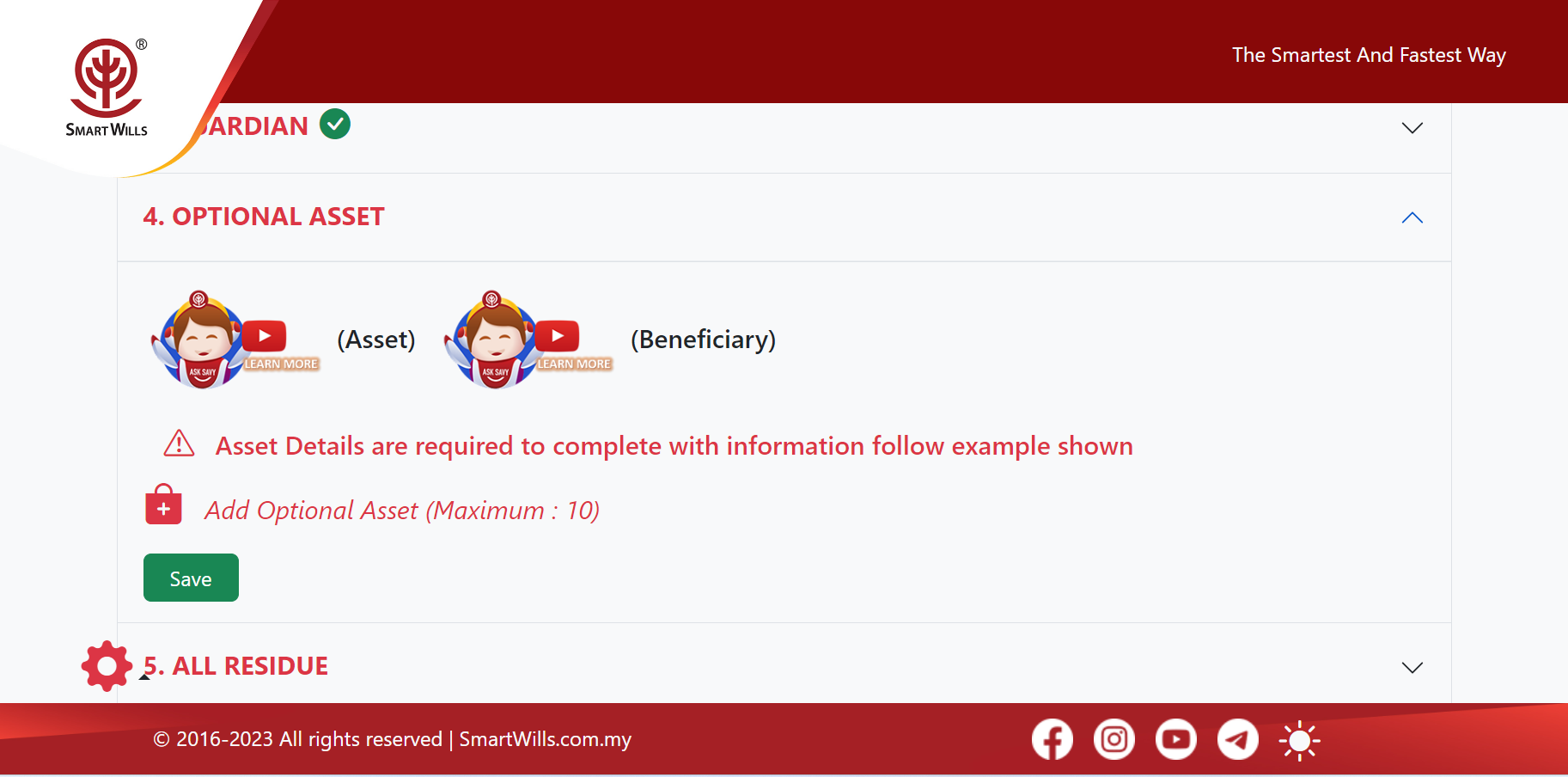
Optional Assets Details
Enter details for the optional asset distribution list, which includes types of assets such as Property, Motor Vehicles, Fixed Deposits, Cash and Savings, Investments, and Company Shares. Click on the ‘Save’ button to proceed.
Step 5
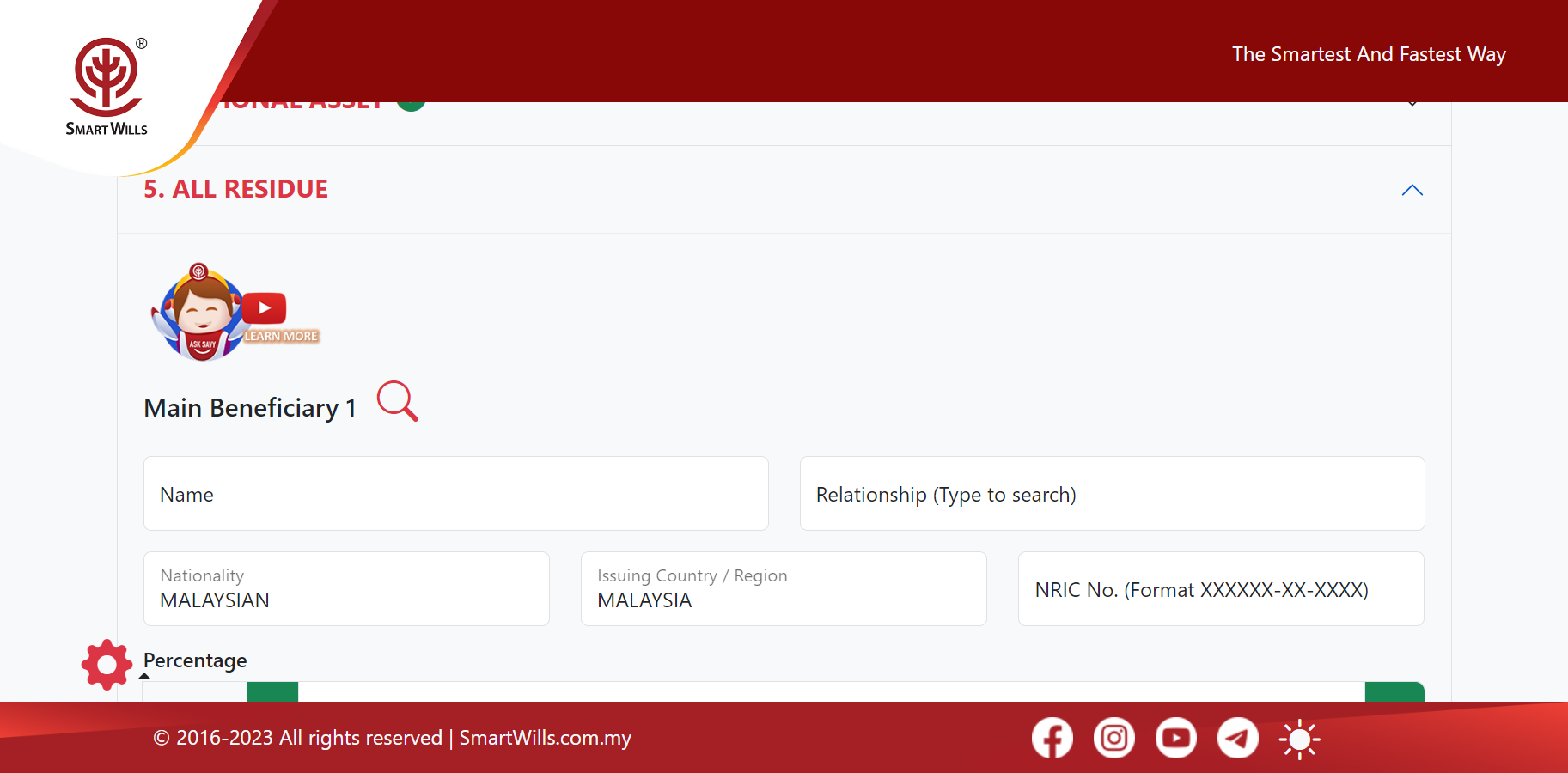
All Residue Details
Enter the personal details of the Main Beneficiary and Secondary Beneficiaries. Click on the ‘Save’ button to proceed.
Step 6
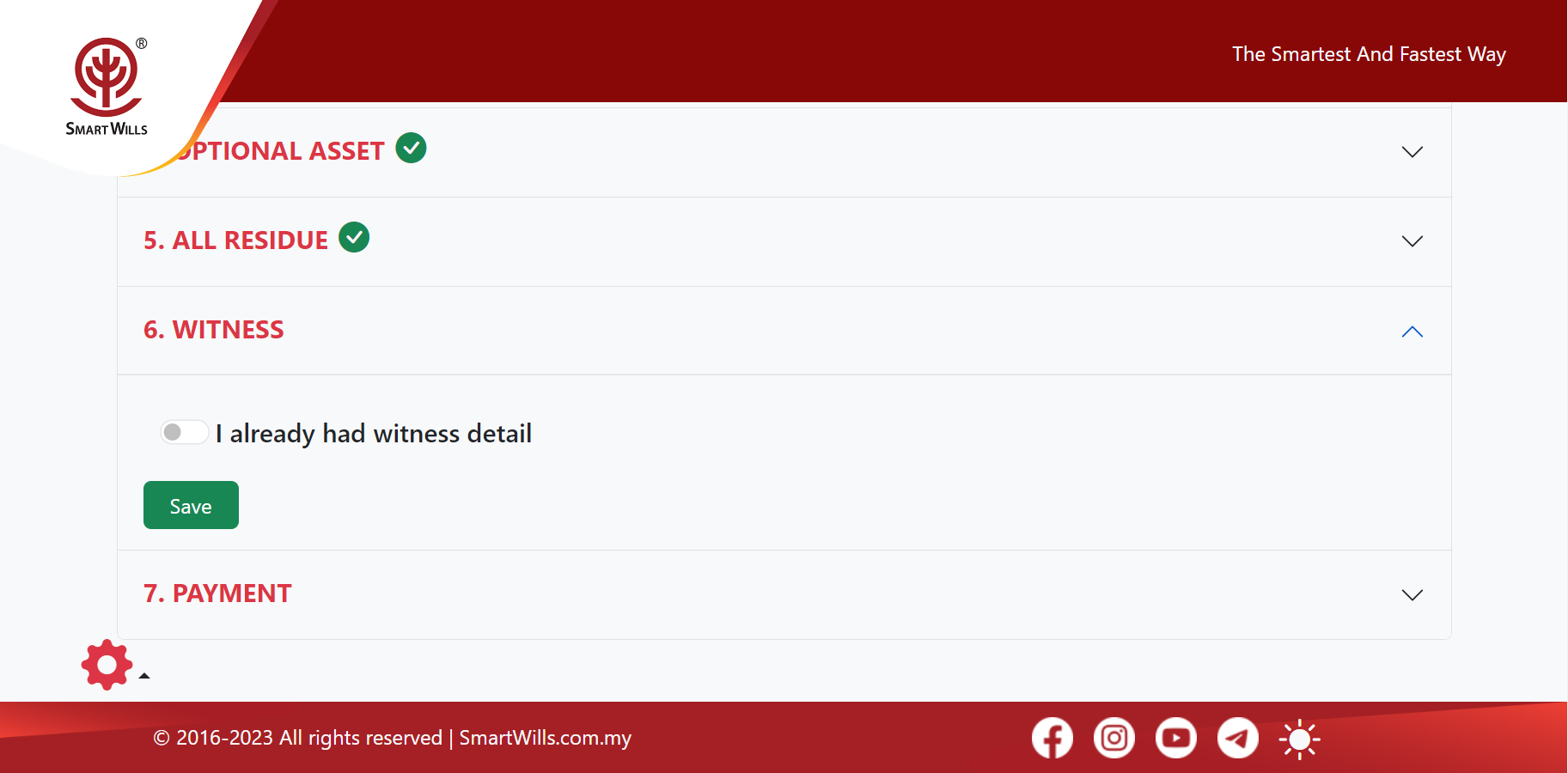
Witnesses Details
When ready, enter the personal details of the Witnesses and click on the ‘Save’ button to proceed.
Step 7
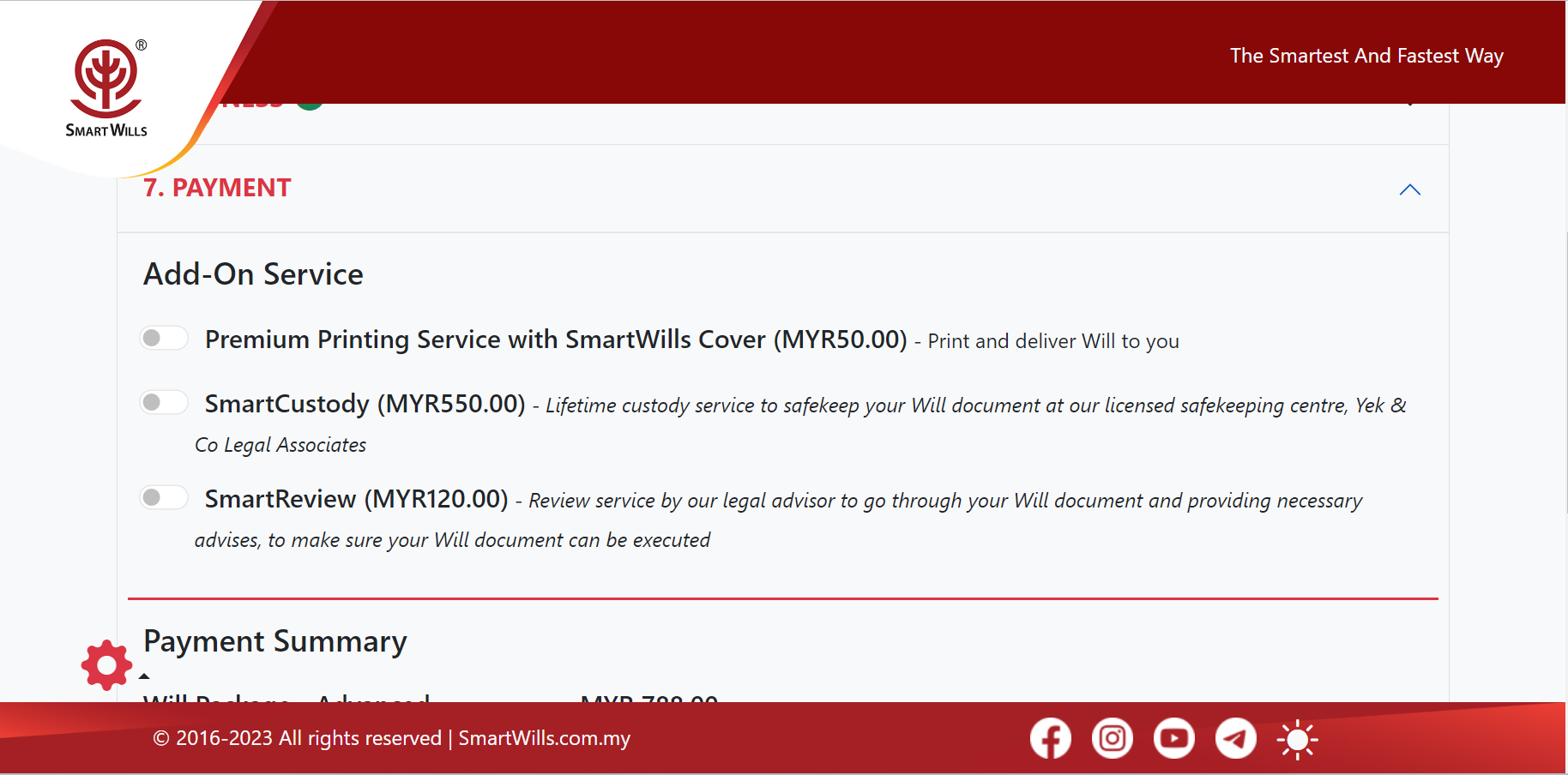
Payment & Add On Service Details
Select any add-on services you desire (currently, we offer only one, i.e., Premium printing service with a SmartWills cover and included courier charges). Click on the ‘Save’ button to make the online payment. You are DONE.
Finally
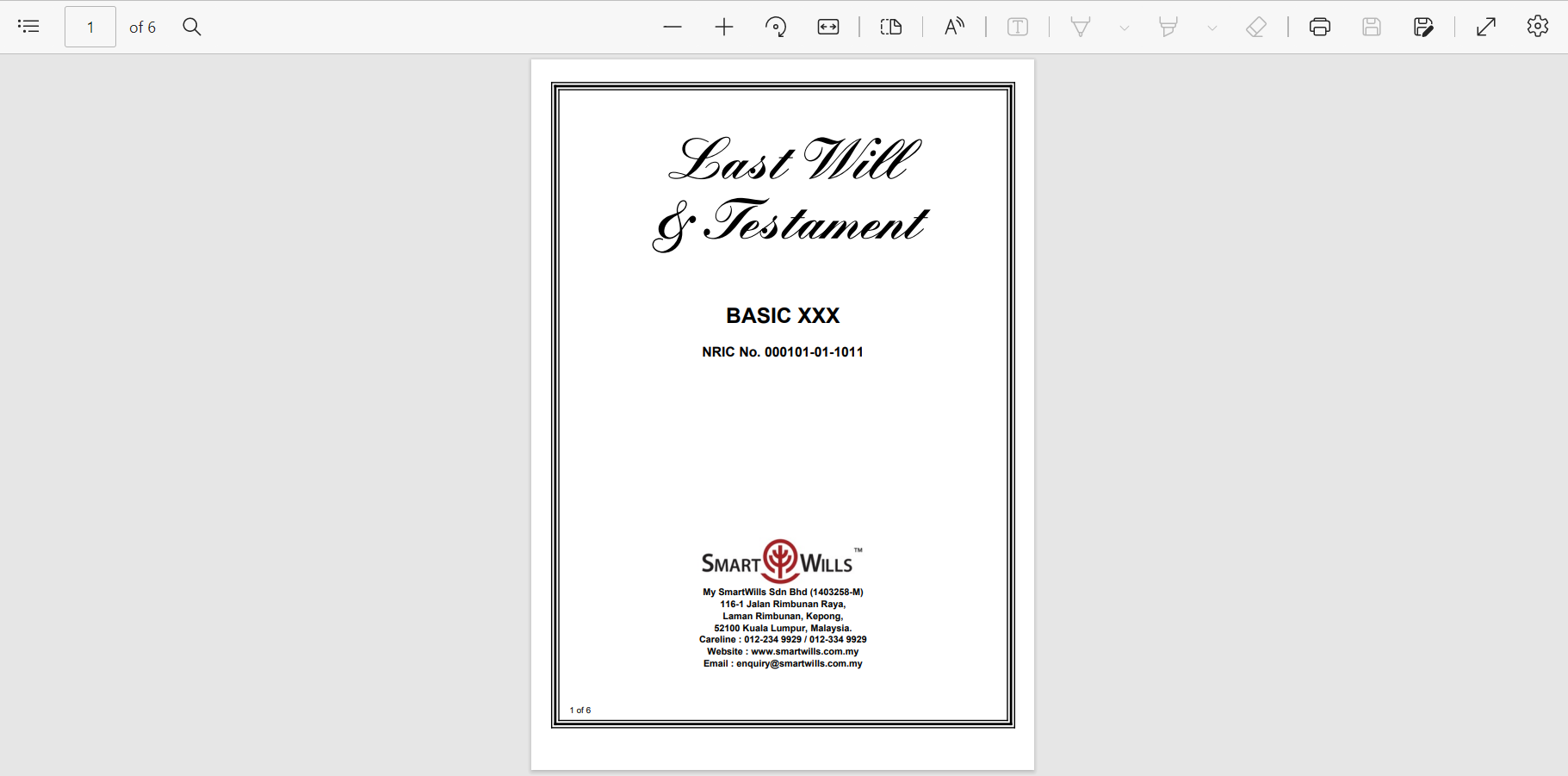
Receive Your Will Via Email
You will receive your Will document in your email as a password-protected PDF file, which you can print out for signatures from your witnesses and yourself.